
How to block Instagram on iPhone
Every method to block Instagram on iPhone — from Screen Time limits to scheduled focus sessions that actually stick.
You deleted the app once. Opened it again by Thursday. Instagram isn’t a willpower problem — it’s a one-tap-away problem.
Here are every method to block Instagram on iPhone, ranked by how well they hold when motivation fades.
1. App Limits in Screen Time (built-in)
Settings → Screen Time → App Limits → Add Limit → Social → Instagram
Set a daily cap — even one minute. When time runs out, iOS shows a shield. You can tap “Ignore Limit,” which is the catch: the friction is soft, not hard.
Best for: Casual reduction. Weakness: One tap bypasses it, and limits reset daily unless you add a Screen Time passcode someone else holds.
2. Downtime (schedule-based blocking)
Settings → Screen Time → Downtime
During Downtime, only apps you whitelist are available. Instagram stays blocked until the window ends.
Best for: Nights and mornings. Weakness: You configure it once in Settings, separate from focus workflows, and it’s easy to disable globally.
3. Delete the app (and block reinstall)
Remove Instagram. In Screen Time → Content & Privacy → iTunes & App Store Purchases → Installing Apps, set to Don’t Allow.
Best for: Hard resets. Weakness: You can still use instagram.com in Safari unless you block that too. Re-enabling installs takes seconds without a passcode.
4. Block Instagram with a focus app (recommended)
A dedicated blocker uses Apple’s Family Controls API — the same system-level shield iOS uses for parental controls — but wired into focus sessions and routines you actually use.
With Unbound:
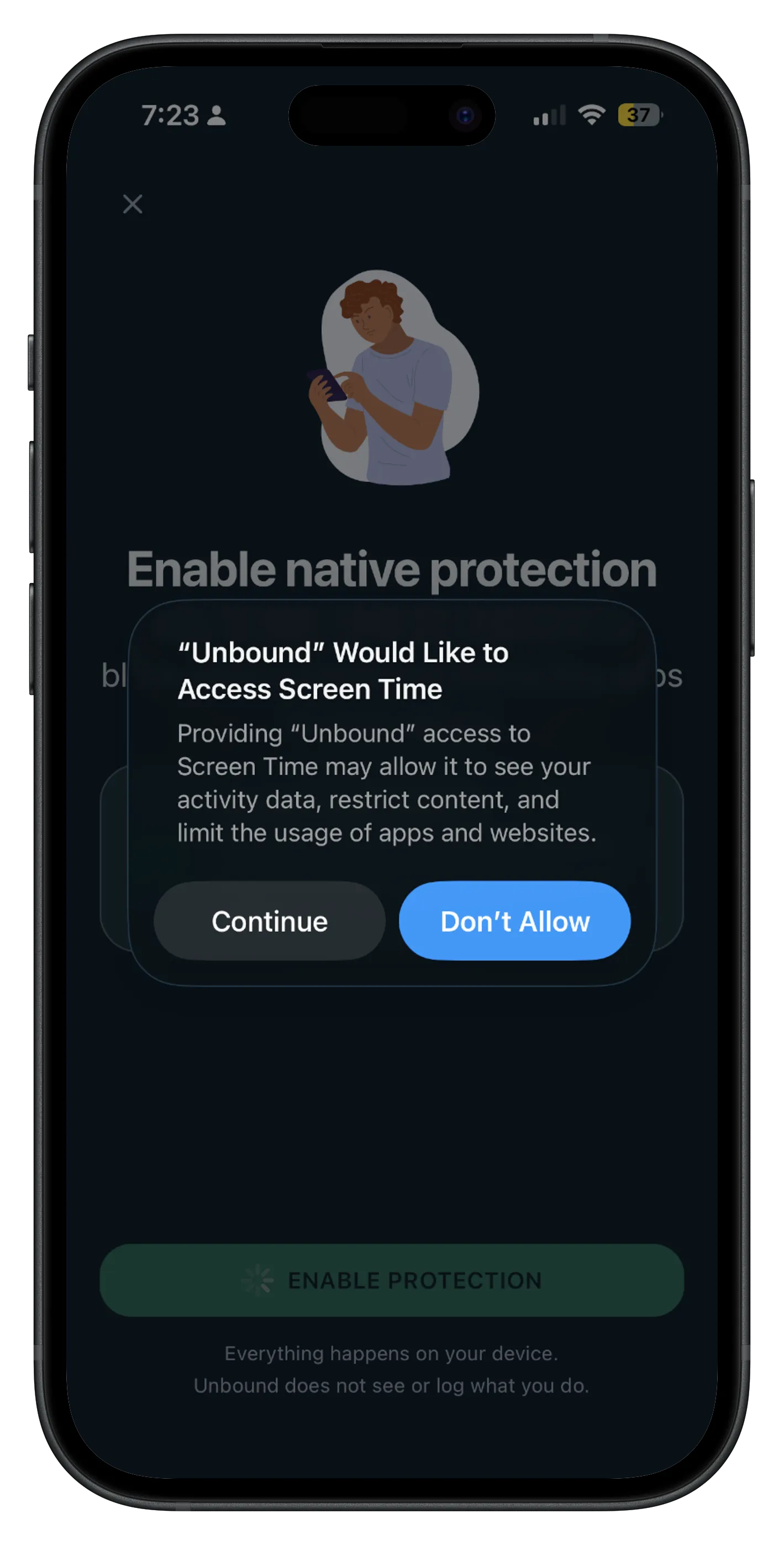
- Grant Screen Time permission once.
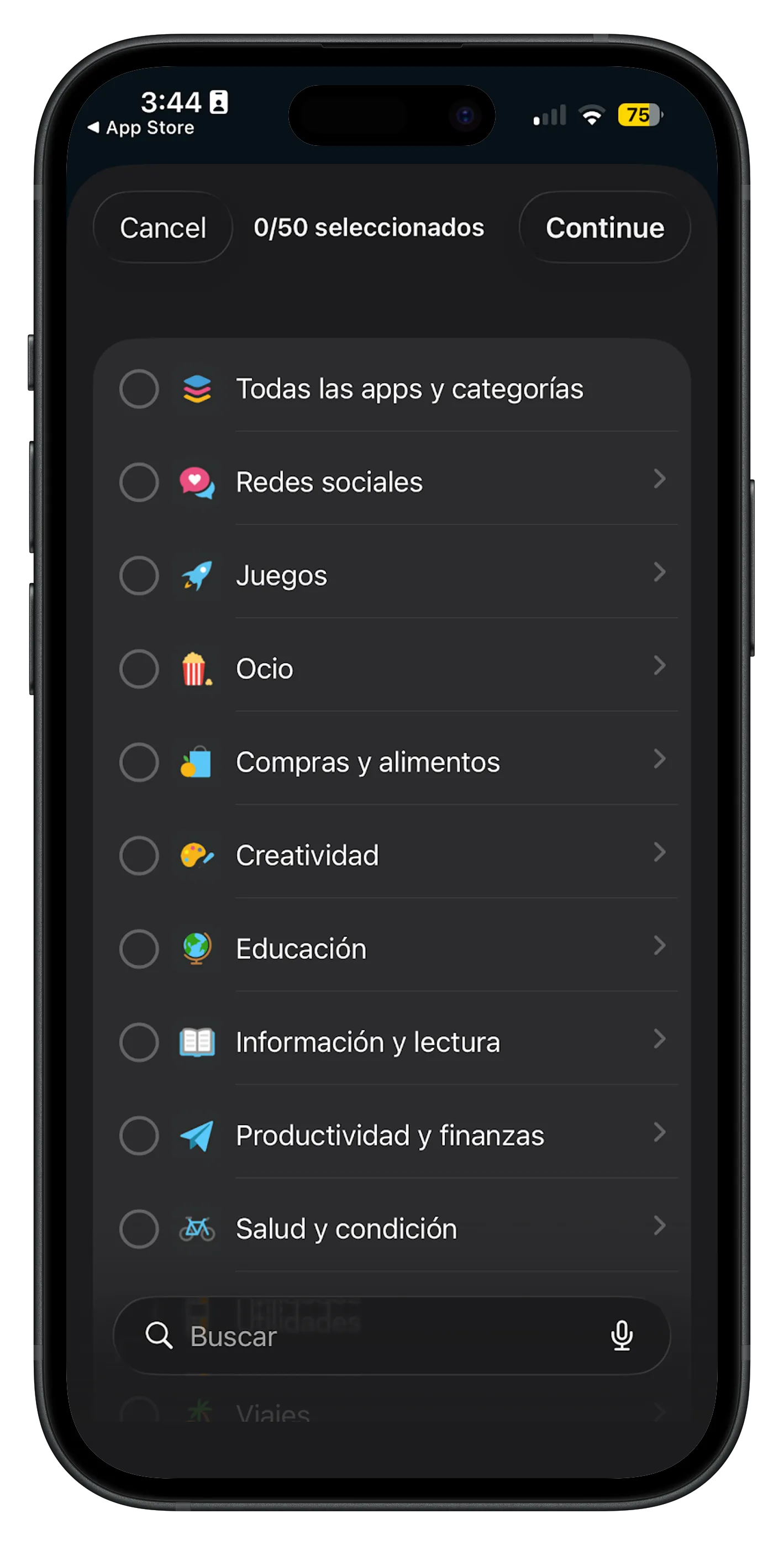
- Add Instagram to a block list (or pick the Social category).
- Start a focus session or schedule a routine — deep work, study, bedtime.
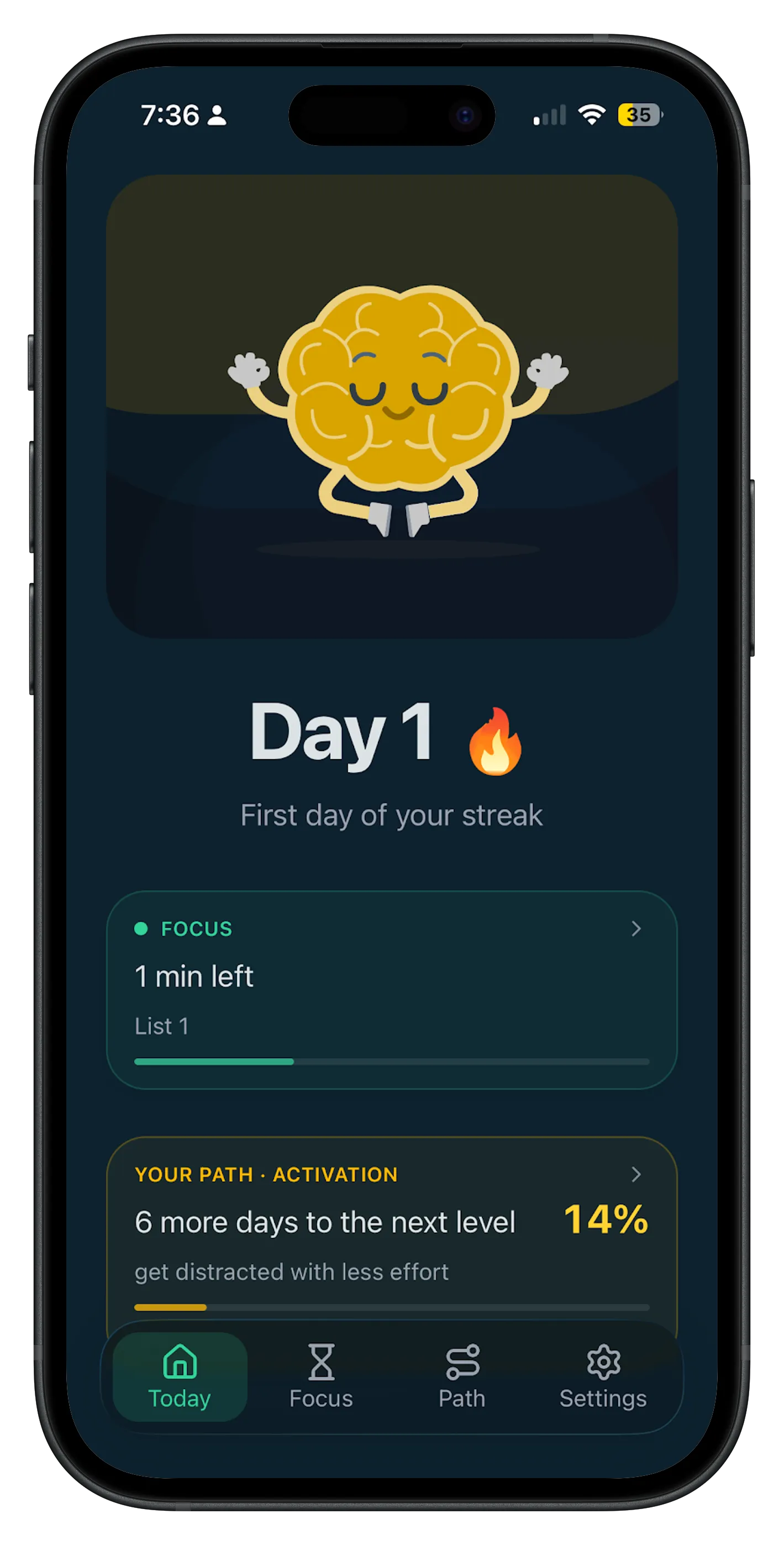
Instagram is blocked at the OS level. No in-app timer to ignore. No “just five more minutes.” The app simply won’t open.
Best for: People who’ve tried limits and lost. Scheduled routines (e.g. 10 p.m.–7 a.m.) remove the nightly decision entirely.
Quick comparison
| Method | System-level block | Scheduled | Easy to bypass |
|---|---|---|---|
| App Limits | Partial | No | Yes (Ignore Limit) |
| Downtime | Yes | Yes | Yes (turn off Downtime) |
| Delete app | Yes | No | Yes (reinstall) |
| Unbound focus | Yes | Yes | Harder (needs passcode setup) |
What actually works long-term
The pattern is consistent: methods that require a decision every time lose to methods that decide once.
If Instagram steals an hour before bed, don’t fight it at midnight — block it at 10 p.m. automatically. If it breaks your morning, schedule a routine before you wake up.
Start with one protected window. Expand from there.